Apple cuts iPhone 18 Pro orders as buyers hesitate
Apple is scaling back iPhone 18 Pro component orders after demand slipped, as price increases and a staggered launch draw scrutiny from suppliers and analysts.

Apple is scaling back iPhone 18 Pro component orders after demand slipped, as price increases and a staggered launch draw scrutiny from suppliers and analysts.
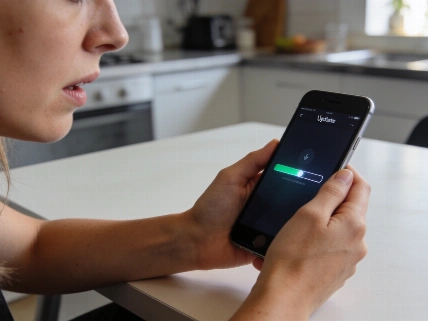
Some iOS 27 updates take over an hour, leaving iPhone owners unsure whether their device is stuck or simply slow. Here’s what causes the delays and what can get things moving again.
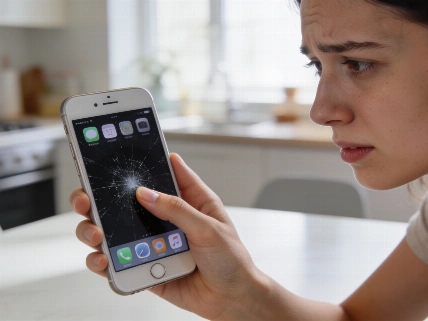
Apple's iOS 27 update is causing three distinct freeze problems on iPhones, but only one has been officially acknowledged and is set to receive a fix.
Background work can warm an iPhone after iOS 27. If the heat persists, restart it and check app updates or battery usage.
Reopen Camera, then restart your iPhone. Install any newer iOS update available for your model. If Apple's Camera works but another app fails, check its permission and update it before arranging service.
Some iPhones may run hot or feel slower while iOS 27 completes background work. This guide covers practical steps for update availability, battery drain, app crashes and connection problems.
CarPlay problems on the iPhone 18 Pro Max often stem from connection issues or app crashes, with overheating another possible cause. Here’s how to track down and fix the basic problems before replacing hardware.
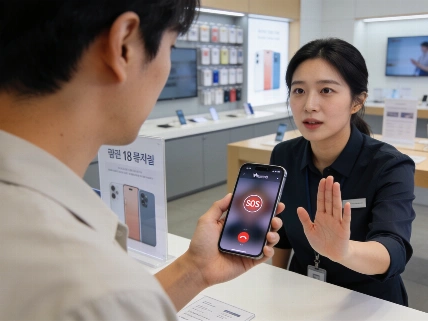
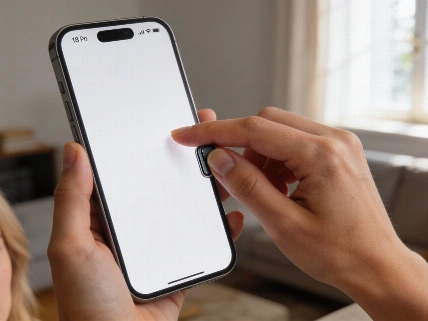
Just days after launch, Apple faced a wave of exchanges and refunds in South Korea as iPhone 18 Pro and Pro Max users encountered a shutdown and reboot bug that persisted.
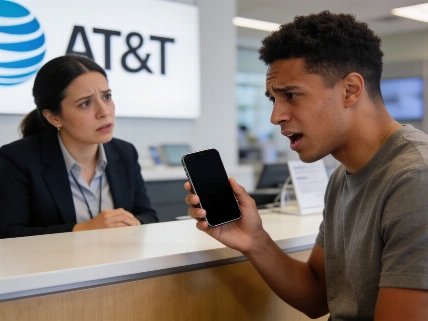
A bug is blocking calls and texts on the iPhone 18 Pro Max for AT&T users. Apple is now replacing affected phones at no cost.
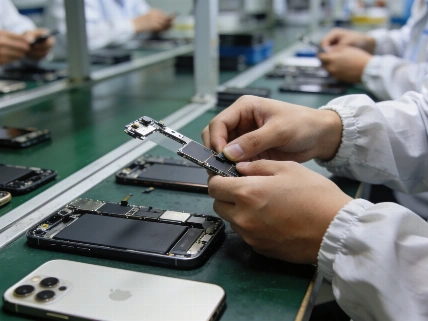
Apple admits a hardware defect in iPhone 18 Pro Max units on AT&T in the US and offers replacements. In South Korea, users with the same problem get no help or official answers.
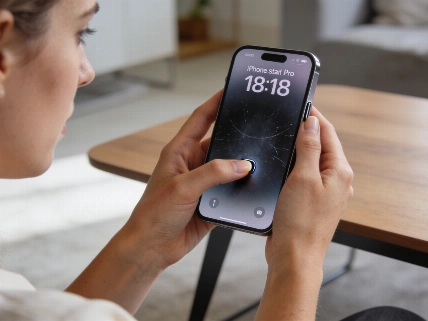
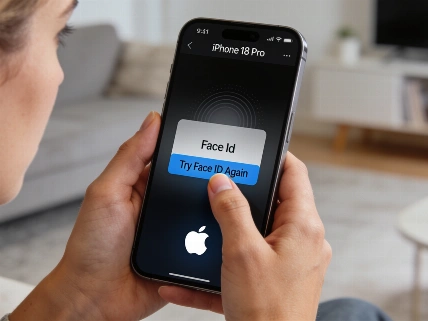
Apple has released iOS 27.0.1 to stop the iPhone 18 Pro and Pro Max from suddenly restarting after Face ID fails. User complaints mounted quickly.
A stubborn iOS 27 bug can freeze or crash iPhone 18 Pro models when users move widgets between home screen pages. The iOS 27.0.1 update has not fixed the problem.
Apple has rushed out emergency updates after users of the iPhone 18 Pro and Apple Watch Series 12 and Ultra 4 faced random reboots and device freezes.
After updating to iOS 27, iPhone 18 Pro and Pro Max users report freezes and sudden restarts. Apple says a fix is coming for Face ID failures, along with widget bugs.
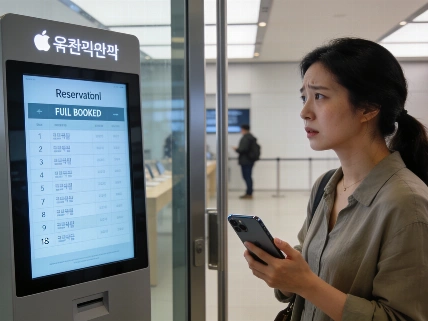
Korean iPhone 18 owners are scrambling to book service appointments as widespread reboot failures meet holiday closures and strict carrier return deadlines.