iOS 27 widget bug locks up iPhone 18 Pro home screens
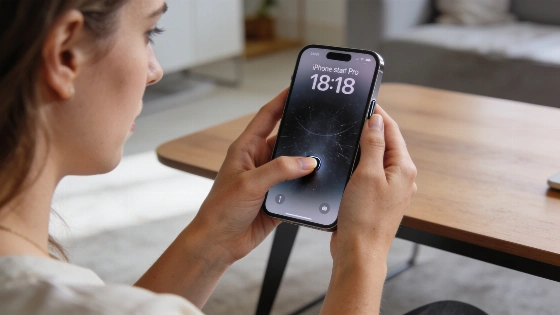
Slide a widget on your iPhone 18 Pro and you might hit a wall. The screen freezes. Icons flicker. Sometimes the phone just restarts out of nowhere. Apple pushed out iOS 27.0.1, but this bug is still here. Users are stuck waiting for a real fix.
Some users have reported that the widget freeze can occur in as little as 20 seconds when moving widgets between home screen pages in edit mode.
Apple rolled out iOS 27.0.1 on September 28, 2026. The update fixed Face ID restarts, a color glitch in some photos, and a touchscreen bug in the notification and control centers. But Apple's release notes say nothing about the widget freeze. Not a word. Users hoping for relief got silence instead.
ZEERA dug into user complaints and demo videos. The problem points to a software bug in iOS 27's SpringBoard, the main home screen manager. The evidence is clear. Older iPhones like the 13 Pro running iOS 27 also freeze, so it's not just the new hardware. The bug shows up when iOS tries to juggle widget moves-recalculating positions, animating, updating layouts, and redrawing the interface. If any step fails, the whole home screen can crash or freeze.
Apple's iOS 27.0.1 release notes specifically mention fixes for Face ID restarts, a color artifact in photos, and a touchscreen bug, but make no reference to the widget freeze issue that continues to impact users.
If your phone locks up, there's only one quick fix. Force a restart. Press and release volume up, then volume down, then hold the side button until you see the Apple logo. This won't wipe your data. It just gets you back in. But it's not a real solution.
Until Apple patches the bug, the safest move is to avoid dragging widgets quickly or too often between home screen pages. Keep your iPhone on the latest stable iOS. Update any third-party widget apps. If a widget keeps freezing, remove it and add it back. Don't try to trigger the bug on purpose. There's no prize for crashing your own phone.
Apple hasn't said when a permanent fix will land. The company might patch it in a minor iOS 27.0.x update or wait for iOS 27.1. Unless Apple lists the fix in official notes, nothing is certain. ZEERA will keep tracking updates and user reports as new versions come out.
Apple's silence on this bug stands out. The evidence points to a software flaw that hits both new and older iPhones. Users want answers. They want a fix. For now, the iOS 27 widget bug is a reminder. Even polished platforms can break. Sometimes, all you can do is hold the reboot button and wait.