Apple scrambles to patch iPhone 18 Pro and Watch Series 12 reboot chaos
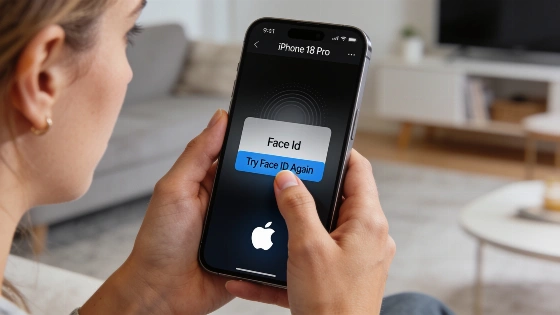
Just days after launch, Apple's top new devices have run into trouble. iPhone 18 Pro, iPhone 18 Pro Max, Apple Watch Series 12, and Ultra 4 owners are seeing their devices restart out of nowhere. Sometimes it happens after Face ID fails. Sometimes there's no warning at all.
Apple's release notes for watchOS 27.0.1 specifically mention that the update addresses a bug that could cause the Apple Watch to restart unexpectedly, and it was only issued for Series 12 and Ultra 4.
Apple Watch Series 12 and Ultra 4 have their own problems. Watches reboot at random, no matter what users are doing. It happens during workouts, while talking to Siri AI, or even using Maps. Some tech analysts blame the Neural Engine. Apple hasn't confirmed that. According to MacRumors reporting, the bug was bad enough for Apple to push out an emergency watchOS update.
Apple moved fast. On September 23, it released watchOS 27.0.1 just for Series 12 and Ultra 4. The update promises to stop the random reboots. A few days later, iOS 27.0.1 landed for iPhone 18 Pro and 18 Pro Max. This update tackles the reboot bug, a color glitch in photos shot at 2x with the new f/1.48 lens, and a screen freeze when opening Notification Center and Control Center at the same time. Apple told 9to5Mac the iPhone 18 Pro and Pro Max reboot issue is a software problem. No hardware swap needed. The fix comes through software.
Reporting on the iPhone 18 Pro issue indicates that the failure can occur after a Face ID attempt and may be logged as a 'panic-full' crash in system logs, which led Apple to treat it as a software bug rather than a hardware defect.
Apple got a patch out within days. That's fast. But the mess shows the risk of launching big hardware and software changes at once. Early buyers want new features, not random crashes. Apple's quick fix may calm loyal fans. Still, even its best devices can stumble at launch.