iOS 27 Freezes iPhones in Three Distinct Ways and Only One Is Getting a Fix
Apple's iOS 27 update is causing three distinct freeze problems on iPhones, but only one has been officially acknowledged and is set to receive a fix.
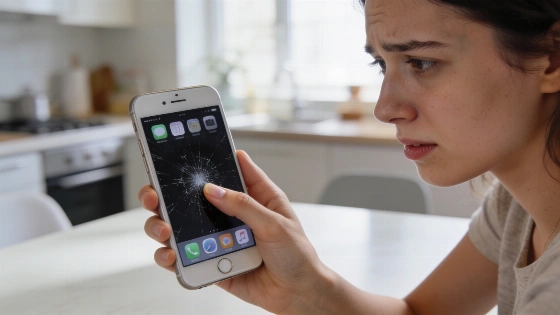
Since iOS 27 arrived, iPhone owners have reported three distinct freeze problems. Apple has acknowledged only the Face ID restart loop affecting iPhone 18 Pro models and says a fix is coming. The other problems include total touchscreen failure and a soft lock triggered by a specific swipe sequence.
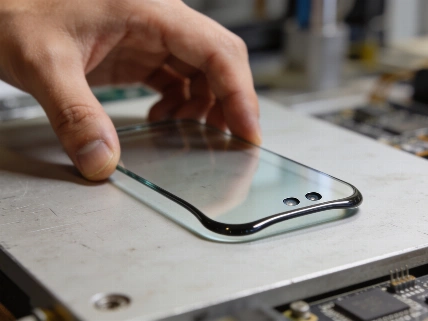
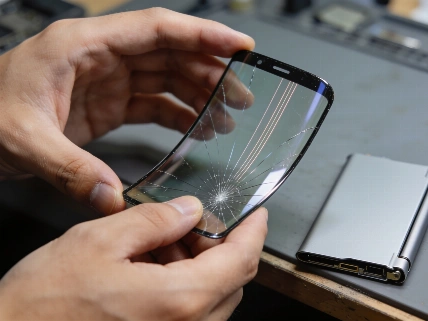
The most severe problem is total touchscreen failure. Some users say it happens without warning. One iPhone 17 Pro owner posted on Apple's developer forums that all touchscreen input stopped right after updating to iOS 27. A clean restore didn't help, but rolling back to iOS 26 fixed it instantly. Apple's diagnostics found no hardware fault. For these users, it's a dead end: service centers often blame the device, while the evidence points to software.
There's also a prank soft lock making the rounds online. It exploits a split-second window between swiping down to open Notification Centre and Control Centre. The home screen freezes, and the camera and torch icons get stuck. The phone ignores all touch input, even the power-off slider. There is a way out: force-restart the phone by pressing volume up, then volume down, then holding the side button until the Apple logo appears. The lockout clears in about thirty seconds. Benjamin Mayo at 9to5Mac demonstrated the bug on an iPhone Air running iOS 27.0. It remains in the iOS 27.2 beta. Not every iPhone is vulnerable, but the trick works on some.
Apple has spoken up about only one of the freezes: an intermittent Face ID issue that sends the iPhone 18 Pro into a panic restart loop. In one Reddit thread, 22 out of 24 users confirmed the same problem. 9to5Mac links it to the smaller Face ID sensor array. Apple says a fix is coming this week. Stuff reports that Apple called it a software issue and promised a patch "early next week."
ET Now News reports that the Face ID freeze and reboot bug affects only the iPhone 18 Pro and iPhone 18 Pro Max; other iPhones running iOS 27 aren't affected. Signs of the iOS 27.0.1 update have already appeared in web analytics. The release is expected to fix the Face ID problem, but Apple hasn't confirmed the version number yet.
Users are also reporting battery drain, heat from background indexing, keyboard freezes and broken iMessage scrolling after the update. Apple advises waiting three days for background tasks to finish before judging battery life or speed. That offers no help to people facing a dead touchscreen or a Face ID restart loop; waiting won't fix those problems.
iPhone 14 and 15 owners in India should think twice before updating. Unless they need the new Siri, they should skip the update for now. The festive season is busy, and iOS 27.0.1 is almost here. There's no prize for being first to encounter these bugs. Apple hasn't commented on the worst freeze, the one that disables the touchscreen. That leaves users vulnerable to incorrect diagnoses and wasted trips to service centers.
iOS 27's fast rollout has exposed a gap between what Apple promises and what users experience. Only one of the three major freeze bugs is getting a fix; the most serious remains unaddressed. For now, updating to iOS 27 carries risks for iPhone owners.