Why an iPhone Gets Hot After iOS 27 and How to Cool It
Background work can warm an iPhone after iOS 27. If the heat persists, restart it and check app updates or battery usage.
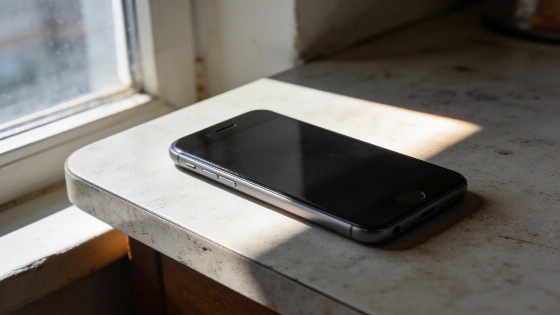
A full temperature warning calls for a different response. Turn the iPhone off and move it to a cooler spot out of direct sunlight. It may still be able to make emergency calls.
Without a warning, you can keep using the phone. After a major update, it may index data and files for search. It also downloads new assets, while apps may update in the background. The heat should fade when those tasks finish; the time depends on how much data is stored on the iPhone.
Why an iPhone May Heat Up After Updating
The same background work can temporarily affect battery life, so battery drain may appear alongside the heat. Setup or restoring from a backup can also warm the device. Wireless charging and long camera sessions are other possible triggers. Graphics-heavy games or high-quality video streaming can raise its temperature too.
If the iPhone stays hot while idle or feels uncomfortable during basic tasks, check the software and battery usage:
- Restart the iPhone.
- Open the App Store and update every app.
- Go to Settings > General > Software Update and install the latest release offered. Apple's security-content documentation lists iOS 27.2.1 and iPadOS 27.2.1 as released on November 9, 2026; see Apple's iOS 27.2.1 update page.
- Open Settings > Battery. If an app is using an unusually large share of power, update or delete it.
For help with other problems after the update, see our iOS 27 troubleshooting guide.
What to Do When the iPhone Gets Too Hot
Heat can cause charging to slow or stop. The display may dim or go black, while cellular signal can weaken. The camera flash may switch off, and some apps may run at lower frame rates. Long GPS navigation or gaming in hot weather can make the heat worse; very hot conditions can permanently shorten battery life.
A Charging On Hold message on the Lock Screen means the iPhone is too hot or too cold to charge. Charging resumes when it returns to a normal temperature. If the full temperature warning screen appears, turn the phone off and let it cool in a shaded place. Contact Apple Support if it stays hot after these steps.
The normal operating range is 32 to 95 degrees Fahrenheit (0 to 35 degrees Celsius). For storage, the range is minus 4 to 113 degrees Fahrenheit (minus 20 to 45 degrees Celsius).
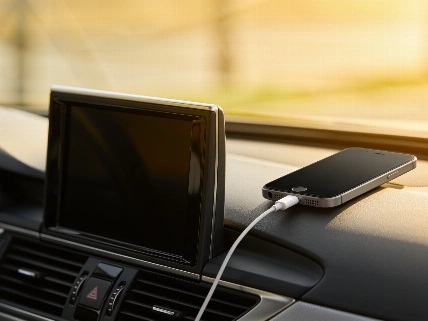
A parked car can exceed the storage range, so do not leave an iPhone inside one.
Topics: