Set Up Apple CarPlay With a Cable or Wirelessly
More than 800 vehicle models support CarPlay, but the first connection depends on whether your car uses a cable or pairs wirelessly.
Apple CarPlay works with more than 800 vehicle models, though some automakers have been phasing the system out. Check your car's compatibility and connection options before you begin: it may support wired or wireless CarPlay, or both.
If you are setting up an iPhone Duo, this device setup guide covers broader preparation and care. CarPlay pairing itself depends on the vehicle.
Connect with a cable or wirelessly
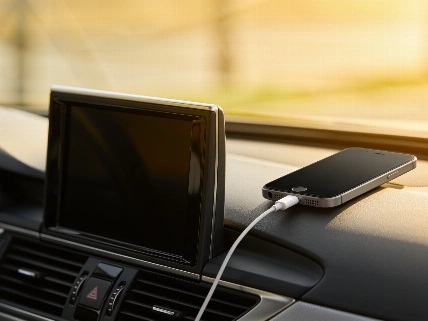
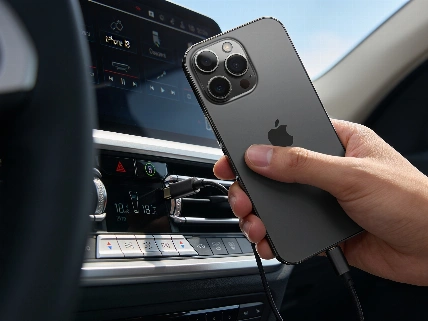
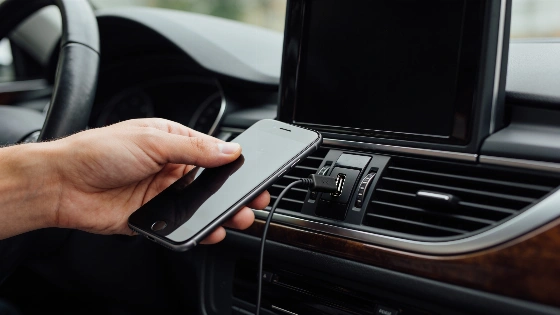
A wired connection is usually the simplest place to start. Turn on the car and connect your iPhone to a USB port, which may carry a CarPlay or phone symbol. When the iPhone asks for permission, tap Connect. The CarPlay interface should then appear on the dashboard screen.
When a car supports both connection types, the iPhone should prompt you to connect wirelessly the next time you start the car. You do not need to enable wireless CarPlay in Settings for that transition.
For a car that supports wireless CarPlay only, start the vehicle and hold the voice-command button on the steering wheel or dashboard. Make sure Bluetooth is on in the car. On your iPhone, open Settings, choose Wi-Fi and connect to the CarPlay network. Then go to Settings > General > CarPlay and tap your car in the list to complete pairing.
The steps for entering pairing mode vary by vehicle, so check the car's manual if the connection does not appear. Some cars launch CarPlay automatically; others require you to tap its dashboard icon each time.
Fix common connection problems
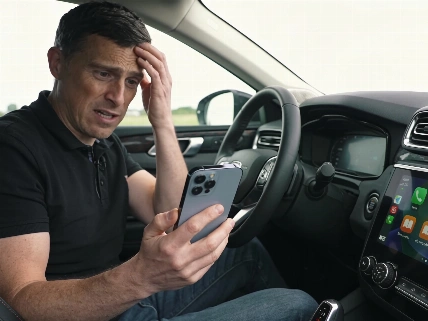
If a wired connection fails, try another USB cable or a different port. An adapter can interfere, so connect the cable directly to the car when possible.
For wireless trouble, confirm Wi-Fi and Bluetooth are enabled on the iPhone, then turn on Auto-Join for the CarPlay network in Wi-Fi settings. If the car supports both methods, try connecting by cable instead.
Screen Time restrictions can hide CarPlay. Open Settings > Screen Time > Content & Privacy Restrictions, then check Allowed Apps and enable CarPlay if it is switched off.
Still stuck? Restart the iPhone and the car's dashboard. You can also remove the pairing by opening Settings > General > CarPlay, selecting your car and tapping Forget This Car.
Check whether your vehicle appears on Apple's list of cars with CarPlay built in. If it is not compatible, a portable CarPlay screen may be an option.
Arrange the apps on your dashboard
CarPlay initially displays compatible apps from your iPhone. To change what appears, go to Settings > General > CarPlay, select your car and tap Customize. You can add or remove apps, then rearrange them. Driving Focus and widgets are also available in the settings there.
Topics: