How CarPlay and Android Auto Can Heat Up Your Phone
Navigation and wireless connections can push phone temperatures up during CarPlay or Android Auto use. Charging adds more heat; a USB connection and a cooler spot in the cabin may help.
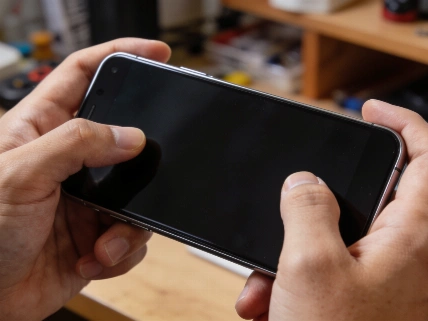
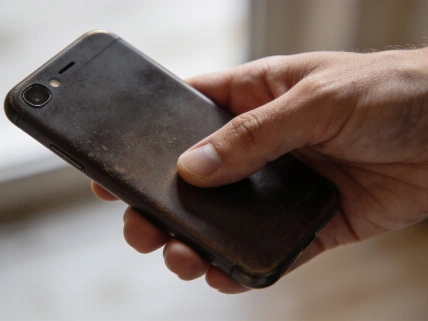
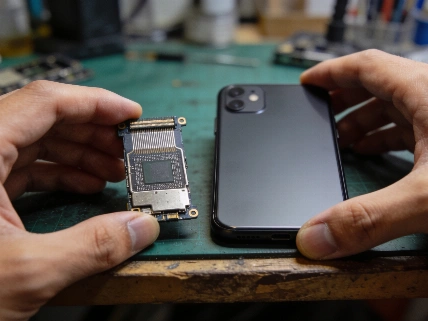
A phone can slow down when it gets too hot. It may stop charging or shut down to protect itself. Apple's temperature protections can temporarily limit or pause iPhone charging when the device is outside a safe temperature range. CarPlay and Android Auto add to the phone's workload, especially when navigation runs alongside wireless connections, with the phone also charging.
Sunlight can heat the phone. So can hot air from a heater aimed at a vent-mounted device. Demanding apps raise the load, too. CarPlay or Android Auto is not always the only cause: cabin temperature and charging can add heat while the phone handles other tasks.
Several tasks add heat at once
Navigation puts the phone to work. Apple Maps or Google Maps can transfer data over 4G or 5G. They also render 3D terrain while tracking the phone's GPS position. Music or podcasts may run at the same time, with other processes continuing in the background.
Wireless CarPlay and Android Auto may use several wireless connections. The setup varies by phone, car and connection mode. Bluetooth and Wi-Fi may be involved. Cellular data can carry traffic, though these connections are not necessarily used in the same way in every configuration. That activity consumes power, and charging adds another source of warmth.
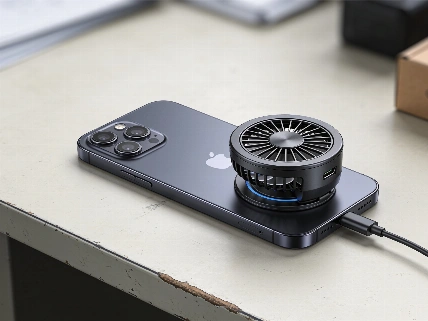
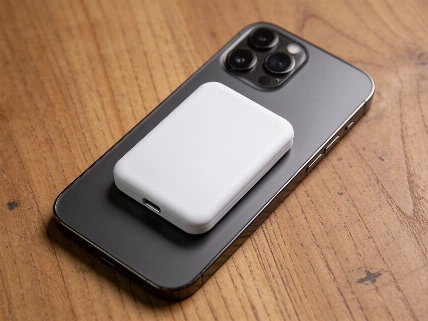
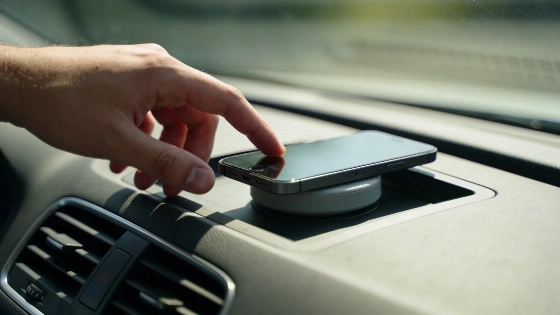
Both wireless and wired charging can warm a phone, particularly when charging continues throughout a lead. A separate wireless Android Auto account also describes a hot phone as part of the experience.
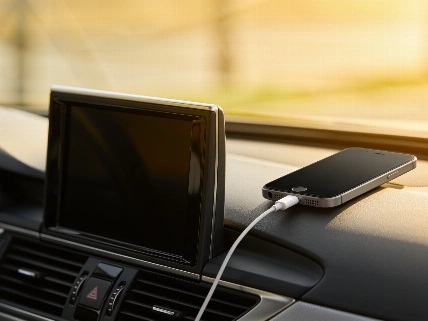
Where the phone sits matters. A windshield mount can leave it in direct sun, while a vent mount may expose it to hot air from the heater. Depending on the car's position, a console tray or passenger seat may also get direct sunlight.
Reduce the load and manage cabin heat
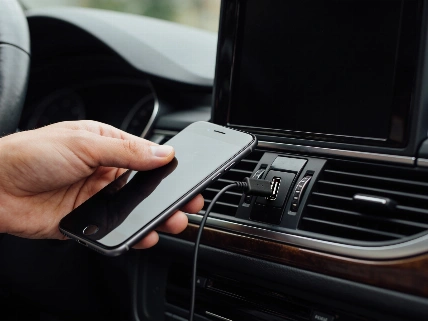
On a short trip, skip charging if the battery level allows it. If charging is necessary, use USB instead of a wireless charger when possible. Keep the phone out of direct sun and away from heated air. Air conditioning can help cool a phone positioned near a vent.
When available, 2D maps may reduce the software workload. Skipping music or podcast apps can also ease the load if they are not needed.
Restarting the phone off the road clears system caches and restarts processes. Sensible phone placement and cabin temperature control can help keep it from running hot on every lead.
Topics: