Steam Stable Update Stops Linux Vulkan Freezes After Alt+Tab
Valve has moved its Linux Vulkan freeze fix from the beta channel to Steam's stable client. The update also addresses a Remote Play memory leak and several other client problems.
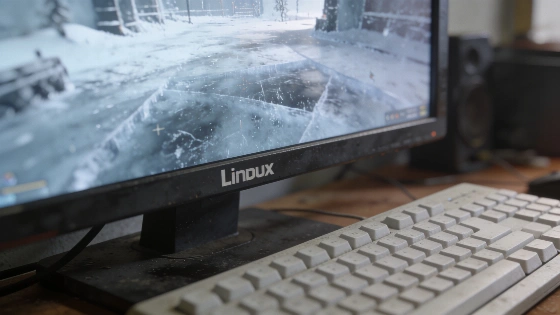
The previous Steam Client release arrived just over a week ago with Linux-focused Proton support improvements and Vulkan fixes. Valve's latest stable build now fixes Vulkan games that could freeze when users switched applications with Alt+Tab.
The problem could leave a game unresponsive while users moved between it and the desktop. Steam had already addressed the bug in its beta channel earlier this month; stable-client users can now get the fix too.
Linux gaming and Remote Play fixes
Valve also corrected a Linux issue that sometimes kept the Steam updater interface from appearing. Without it, users received no visible feedback during updates.
This client-side fix is separate from kernel-level graphics work such as the Linux 7.3 VRAM coverage, which discussed AMD graphics memory handling and compatibility dependencies.
For Remote Play, the update fixes a memory leak in sessions using NVIDIA's NVENC hardware encoder to stream H.264 video from Windows computers when the bandwidth setting is Unlimited. Valve also fixed an incorrect Steam Service Error dialog that could appear if users closed the client and restarted it quickly.
Other client changes
The release corrects a date-display issue for users in British Columbia. On macOS, it fixes a crash connected to opening certain browser windows.
Steam's certificate revocation lists have also been refreshed so the client can recognize certificates that are no longer trusted.
The update is rolling out through Steam's stable channel and should install automatically. To check manually, open the Steam menu and select "Check for Steam Client Updates."
Topics: