
Radeon RX 9070 XT users hit by QD-OLED and IPS flicker from frame generation conflict
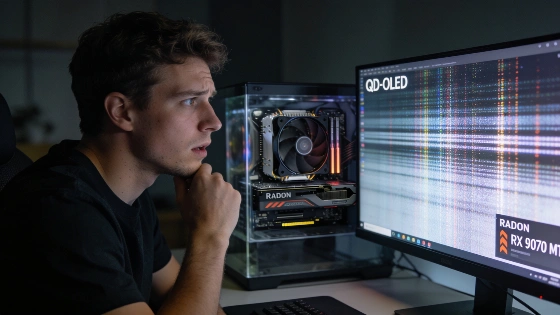
Owners of AMD Radeon RX 9070 XT cards are running into a nasty surprise. QD-OLED and IPS monitors start to flicker and jump between refresh rates when both frame generation and hardware GPU scheduling are turned on in Windows. The problem shows up fast. Dark or gray scenes in games become a mess of brightness shifts and unstable refresh rates. It is hard to ignore.
User reports indicate that the flickering issue is not limited to FSR Frame Generation, but also appears in other frame generation modes on AMD GPUs, including setups with both OLED and IPS monitors.
The technical root of the flicker
The core problem is a fight between the GPU's frame output queues and the Micro Engine Scheduler. This scheduler controls how Windows hands off work to HAGS (Hardware Accelerated GPU Scheduling). When modern, machine learning-based frame generation is active, it adds extra asynchronous load. That load throws off the timing needed for smooth frame delivery. Variable refresh rate monitors can't keep up. The result is visible flicker and brightness swings. Third-party monitoring tools may show a steady frame rate, but the screen tells a different story. Older, analytical frame generation in FSR 3 seems less likely to trigger this bug.
Recent user tests back this up. The main theory is a direct conflict between frame generation and HAGS. VRR monitors start showing unstable refresh rates, even when frame time graphs look smooth in software. One user ran a Radeon RX 9070 XT on an OLED and an RX 9060 XT on an IPS panel. Both showed the problem in several frame generation modes, not just FSR. With HAGS on, VRR jumped between 80 and 110 Hz at about 120 FPS. Turning off HAGS locked the refresh rate between 120 and 130 Hz. The difference is clear.
Temporary workaround and performance trade-offs
Modern monitor reviews highlight that lowering the minimum VRR frequency can help reduce flicker during large FPS swings, which explains why OLED and QD-OLED panels are particularly sensitive to unstable frame delivery.
This mess shows how fragile new GPU features can be before the software is ready. Radeon RX 9070 XT owners have to pick: stable visuals or top frame rates. There is no perfect option. Until AMD ships a real fix, turning off hardware scheduling is the only way to get a flicker-free screen on QD-OLED and IPS monitors with VRR. As shown in a recent user investigation, this workaround is the only method that works every time, though it can slow down some games.
