ASUS TUF A15 Owner Reports Daily Windows 11 Pro Crashes
The SYSTEM_THREAD_EXCEPTION_NOT_HANDLED (0x7E) error points to dxgmms2.sys during demanding video and image-generation work. Community members recommend removing the current driver before installing an earlier stable version.
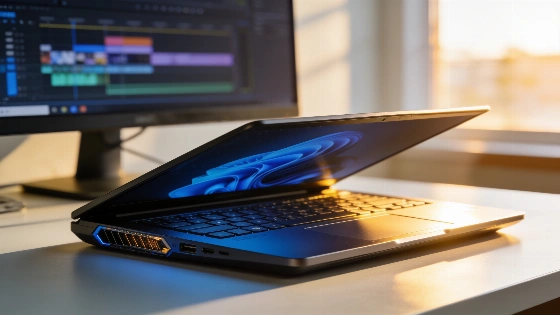
The crash report lists SYSTEM_THREAD_EXCEPTION_NOT_HANDLED (0x7E), with dxgmms2.sys identified in the crash. An ASUS TUF A15 owner on Reddit's r/nvidia community says Windows 11 Pro restarts about once a day. The stop code is a diagnostic identifier, not a measure of how often the problem affects other laptops.
The crashes happen while using resource-intensive video-processing and image-generation applications, including ComfyUI. Updating the graphics driver and the NVIDIA app did not stop the reboots. Microsoft has documented a technically similar 0x7E error under heavy GPU load, but its case concerned Windows 7 and Windows Server 2008 R2, not Windows 11. The historical issue was attributed to a GPU timeout; Microsoft's support bulletin describes a hotfix for that specific older operating-system scenario.
A routine update did not resolve the problem.
dxgmms2.sys manages graphics memory in the DirectX subsystem and works closely with the video driver during video-memory allocation. A software conflict or corrupted driver files left behind by installing over an older version could contribute to the crashes, but that remains a possibility rather than a confirmed diagnosis. A file named in a crash report identifies a component involved in the graphics stack, but does not by itself establish the initiating fault. In a separate issue, NerdsMagazine's driver hotfix report covered video freezes and black screens on some RTX 50 Series GPUs.
Community members recommend removing the current graphics driver with Display Driver Uninstaller (DDU) in Windows Safe Mode, then installing an earlier stable version. A Microsoft-hosted Answers response describes downloading the intended driver first and disconnecting from the network to prevent Windows Update from installing another display driver; after DDU removes the existing package, the system is restarted before the selected driver is installed manually. DDU is a third-party utility, and the procedure is community troubleshooting guidance rather than a confirmed fix for this crash. NVIDIA's installer also offers a clean-install option under Custom (Advanced), labeled "Perform a clean installation." One user reported that rolling back the driver stopped critical errors and reboots. The laptop's cooling system also became quieter. The account was posted on Reddit.
Topics: