AMD Driver Updates Freeze Logitech C920 Feeds During Discord Screen Sharing
A reported conflict involving AMD drivers newer than 26.8.1 freezes Logitech C920 video when Discord screen sharing begins. Disabling hardware acceleration and reinstalling the driver did not fix the problem.
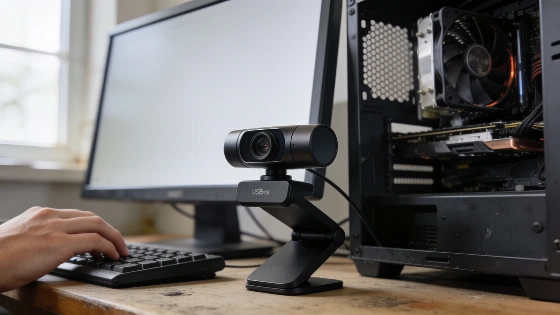
The failure starts when screen sharing begins: a Logitech C920 feed freezes for viewers, and Discord displays error 2012. The report involves a PowerColor Reaper RX 9070 XT paired with a Ryzen 7 9800X3D. It says the webcam stops working in Discord with AMD drivers newer than 26.8.1.
The driver at the center of the report, AMD Software: Adrenalin Edition 26.11.1, was released as an optional driver for Windows 10 and Windows 11 on November 12, 2026. AMD lists driver version 26.20.15.16 and Windows Driver Store version 32.0.32015.16001. Fixes in the official release notes include excessive system-drive writes while a Radeon RX 7000-series-or-newer system is idle and while application windows are moved or resized.
The only confirmed workaround reported is to revert to driver version 26.8.1. The symptoms were described in a post on Reddit's r/radeon community.
Google Chrome system logs point to a possible interaction between video codecs and the AMD video processor driver. They record failures involving AMD VideoProcessorGetOutputExtension and Set output type, both with error 0x80070057. The logs also show errors initializing eglCreateContext. The report says browser hardware acceleration is affected too.
Several attempted fixes failed. Disabling hardware acceleration in Discord did not help, nor did a clean reinstall with DDU while the camera was physically disconnected. Routing Discord's video encoding through the processor's integrated graphics made no difference either.
The cause remains unconfirmed. Community members suspect a conflict between the discrete GPU and active integrated graphics during installation of driver 26.11.1. Their suggested test is to disable integrated graphics in the BIOS before reinstalling. A separate Nvidia video-freeze report involved different hardware and does not establish a link to this webcam issue. For this reported setup, rolling back to 26.8.1 remains the only confirmed way to keep the webcam working during streaming.
Topics: