
Discord Game Mode cuts visual effects to ease CPU and GPU load
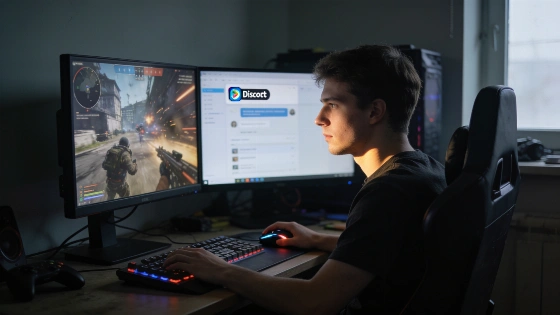
PC gamers have complained for years about background apps eating up precious resources during play. Discord's new Game Mode is a direct answer. It doesn't hide in the settings. Instead, it steps in as soon as you launch a game, cutting Discord's own CPU and GPU use by turning off interface animations and visual effects.
Game Mode is designed to automatically disable Discord's animations and visual effects only while a game is running, aiming to reduce CPU and GPU usage without requiring manual intervention.
Discord announced Game Mode on X on September 28. The rollout started the next week. The company says more resource-saving features are coming, but hasn't listed exactly which effects Game Mode disables. Details first appeared on Discord Previews, which found the toggle in the desktop app. But there are no hard numbers yet. No independent benchmarks. Discord hasn't shared data on real-world gaming performance.
As of late September 2026, Game Mode remains in an experimental rollout phase and is not yet available to all users. Media outlets emphasize that Discord has not released specific figures on FPS improvements or resource savings, and the feature is positioned as a background optimization rather than a direct performance enhancer.
Discord already lets users turn down animations with Reduced Motion and tweak hardware acceleration. Game Mode automates this, kicking in only during games. There's no sign yet that it cuts memory use. In fact, Discord's own numbers show median memory use went up after a recent Electron update. Screen sharing is another question. High-res or high-frame-rate streams are heavy. It's not clear if Game Mode changes that at all.
Testing is easy. Open Task Manager. Check Discord's CPU and GPU use while gaming. Turn on Game Mode and compare. Try it a few times to be sure. If you want to cut Discord lag now, Reduced Motion is ready and works in a similar way.
Game Mode's real value depends on three things: which effects it disables, whether it helps with screen sharing, and if it becomes the default or stays optional. Until outside tests arrive, its impact is still unknown.
Discord says more resource-saving tools are coming. That's the bigger story. If future updates target heavier features, Discord could finally become the quiet background app gamers have wanted. One that knows when to get out of the way.
