
The must-have free software for Windows 7 users
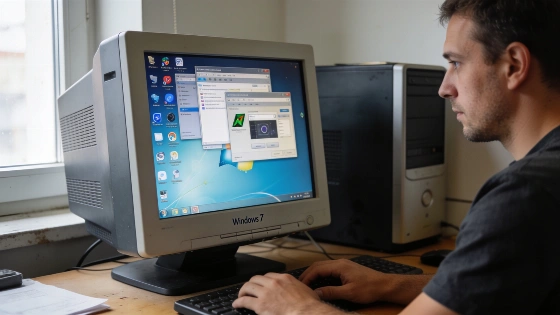
Most Windows 7 users know the risks. No more updates. No more safety net. But with the right free software, an old PC can still get the job done. The right tools matter.
Microsoft ended mainstream support for Windows 7 on January 13, 2015, and extended support-including security updates-on January 14, 2020. After this date, regular security patches are no longer released for the system.
Performance and productivity essentials
Slow computers frustrate everyone. CCleaner fixes that. It wipes temp files, browser history, and cleans the registry with one click. Need office tools but don't want to pay? OpenOffice gives you word processing, spreadsheets, and presentations for free. Adobe Reader X is still the standard for PDFs. It lets you view, annotate, and print, even with multimedia content.
File management is easier with the right apps. 7-zip compresses files better than most. It opens almost any archive format. If you work with big files, you need it. Paint.NET brings strong image editing. It's simple, supports plugins, and rivals paid programs.
Browsing, media, and downloads
Web browsing on Windows 7 is tricky. Mozilla Firefox is still updated for this system. The Firefox ESR 115.42.0 release notes confirm that Mozilla will keep supporting this version for Windows 7-8.1 and older macOS until March 2027. That's rare. Chromium browsers like Google Chrome have stopped supporting Windows 7. Version 109 was the last update for Chrome on this platform.
Microsoft confirms that after the end of support, no new security updates, non-security updates, or free/paid assisted support will be provided for legacy products, including Windows 7, which is now considered a fully retired platform.
Need to convert videos? Total Video Converter handles almost every video and audio format. It makes it easy to prep files for phones or burn to HD. For chat, Pidgin puts all your accounts in one place. It works with Google Talk, IRC, and more. Thunderbird, Mozilla's free mail client, blocks spam and searches mail fast. It's a solid pick for email.
All these tools are free. You can get them straight from the developers. If you're sticking with Windows 7, these aren't just nice to have. They're essential. This list is your toolkit for keeping an old system safe and useful. The truth is simple. With the right free software, Windows 7 still works. But only if you take action and keep your machine protected.
